
Understanding Your Museum Wing
V0.6 · Last Updated: November 7, 2025
Your Museum Wing is the heart of your profile. Think of it as a living scrapbook—where you curate photos, videos, audio stories, documents, and more. It’s your place to celebrate past shows, road-trip moments, and everything you’re loving right now.
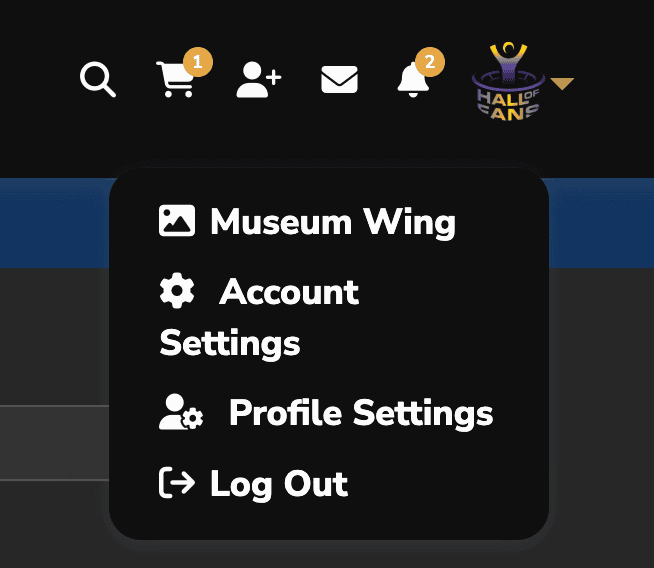
Get there fast: Most logins land you on your Museum Wing. If not, open the user menu at the far right of the top bar and choose Profile, then open the Museum Wing tab.
Tabs at a Glance
- Collections — Your albums. Organize anything (e.g., “Dead & Co. 2024,” “First Shows”). You’re the curator.
- Photos / Videos / Audio — Upload by type. When you upload directly into an album, the files also appear in your library for that media type.
- Playlists — Saved audio sets or curated mixes (beta).
- FavList — As you browse, hit Favorite; your saved items collect here.
- Documents — PDFs, setlists, scans, zines, etc.
- Likes — Quick way to revisit anything you’ve liked.
- All — A unified view across all media types in your Wing.

Best practice: Create a Collection first → upload directly into that album (by media type) → then fine-tune and organize.
Build Your Museum Wing
Step 1 — Create a Collection (Album)
- Go to Collections.
- Click Options → Add Album.
- Name it (band, tour, year, show), then save.
Step 2 — Upload Media to that Album
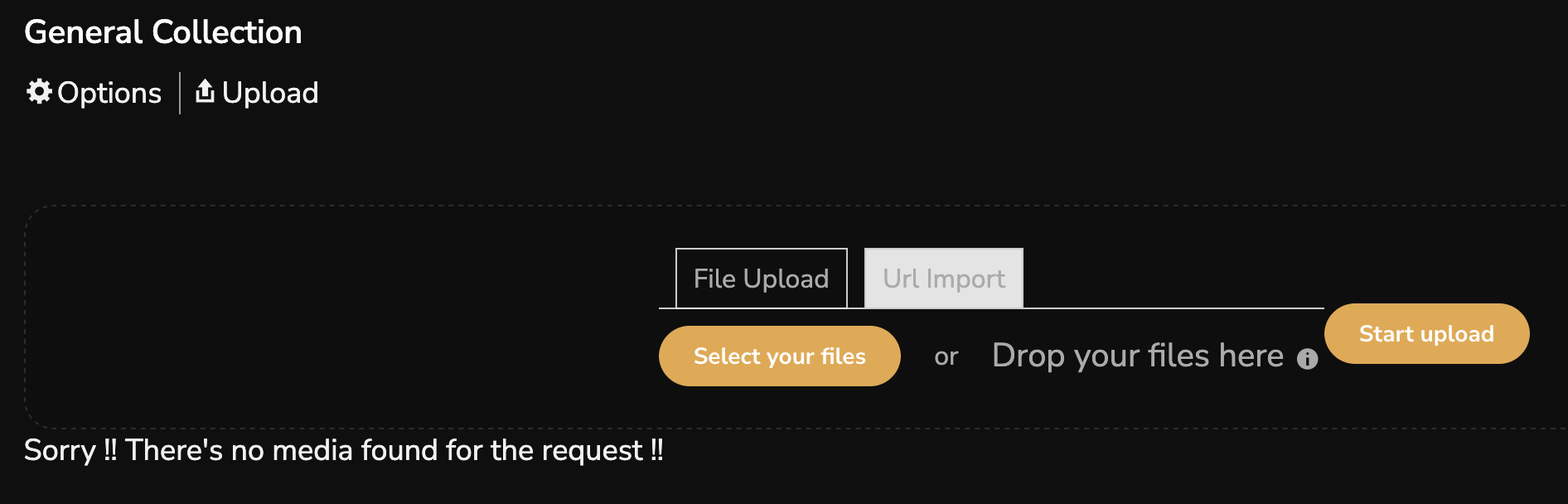
Open your new album and upload there. Files will also appear in your media library by type.
Step 3 — Fine-tune Your Collection
Reorder items, set a cover, add captions, and polish the story. You can always add more later.
Record a Story (Audio)
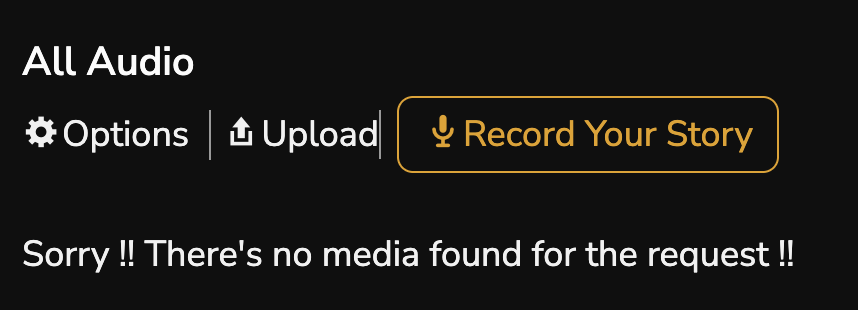
On the Audio tab, share a quick memory, a show recap, a favorite moment, or a question. You can upload an MP3 or record your voice right from the page.

Explore Other Fans
- Greg’s Museum Wing
- Tom Constanten’s Museum Wing (great voice-story examples)
Quick Links
What to Upload (Guidance)
- Originals over copyrighted media: share what you shot/own (photos, short clips, your voice stories). Please don’t upload full songs or entire concert bootlegs.
- Stories work great: quick voice notes about a show, a favorite song, friends you met, or how the music hit you.
Current File Size Limits
- Photos: up to 50 MB
- Videos: up to 100 MB
- Music/Audio: up to 100 MB
- Documents: up to 50 MB
Browse Tools
- FavList: use Favorite to save items for quick access.
- Likes: everything you’ve liked collects under Likes.
- All: a unified view of everything in your Wing across media types.
Questions? Email support@halloffans.com.
